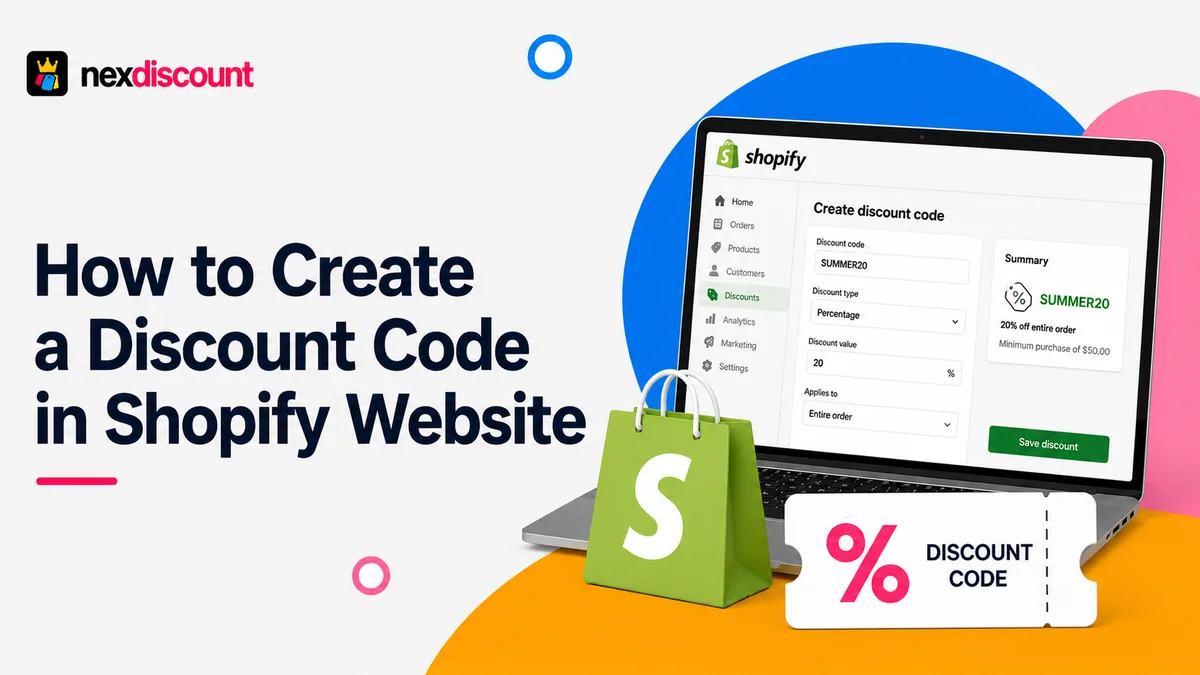
Whether running a brand new Shopify store or scaling an established business, discount offers are the most effective way to increase sales! According to recent studies, 63% of online shoppers actively search for discounts. In this era of Shopify stores, merchants rely on Shopify discount apps or a discount code Shopify app, even though there are built-in features available on the platform.
Here is a guide on everything one needs to know about creating a discount code on the Shopify website.
What Is A Shopify Discount?
A Shopify discount acts as a promotional offer by which customers can purchase products at a lower price. Merchants can use external tools to create coupon codes and automatic promotions in their store. These offers are applied during checkout when certain conditions are met.
If you are still wondering “what is a Shopify discount?”, then think of it as a sales incentive to encourage customers to complete a purchase. It also encourages the customer to spend more than they actually intend, and return more often. Commonly, discounts are used for the following reasons:
- Increasing sales during seasonal promotions
- Decrease cart abandonments
- Reward loyal customers
- Clear out slow-moving inventory
- Increase average order values
- Promote newly launched products
Why Should You Offer Discounts On Shopify?
Do not think about discounts as mere low prices. Rather, they are proven conversion tools! Promotions, when placed strategically, will encourage the customer to spend more to unlock exclusive savings. This, in turn, will boost the average order value. A discount campaign that is well-planned and executed can help the business achieve:
- Improve customer retention
- Build brand loyalty
- Encourage larger orders
- Increase conversion rates
- Lower cart abandonment rates
However, much care has to be given in choosing the right kind of discount based on your store, product, and business goals.
Types Of Shopify Discounts
Shopify offers countless discount options, and each of them is designed for different aims. Here, take a look at the types of Shopify discounts and choose the right one.
| Discount Type | Best Used For | Example |
|---|---|---|
| Percentage Discount | Storewide sales, seasonal campaigns | 20% OFF |
| Free Shipping | Reducing cart abandonment | Free shipping over $75 |
| Fixed Amount Discount | High-value purchases | $25 OFF orders above $150 |
| Automatic Discount | Sitewide promotions without coupon code | Summer Sale automatically applied |
| Buy X Get Y (BOGO) | Product promotions | Buy 2, Get 1 Free |
Any of these types of Shopify discounts can be combined with purchase requirements, customer segmentation, or collection-based rules. Such combinations can result in more effective targeted campaigns. A few examples are:
- Percentage Discounts: Perfect for Black Friday, holiday sales, or first-time customer promotion.
- Free Shipping Discounts: Commonly used to reduce checkout abandonment.
- Fixed Amount Discount: Encourages customers to reach a minimum spending threshold.
- BOGO: Increases product volumes.
- Automatic discounts: Discounts applied automatically on meeting certain conditions.
How To Create A Discount In Shopify?
Creating a discount in Shopify is quite simple. Here is a step-by-step process that merchants can follow.
Step 1: Open Shopify Admin
- Log in to your Shopify dashboard
- Navigate to “Discounts” from the left-hand menu
Step 2: Create a New Discount
Click on “Create Discount”. There are two options:
- Discount Code
- Automatic Discount
Step 3: Choose Discount Type
Here, the type of promotion that you intend to create can be chosen: percentage discount, fixed amount discount, BOGO, or free shipping.
Step 4: Configure Eligibility
Here is where you decide the customer eligibility for the discounts. It can be applied to:
- All customers
- Individual customers
- Specific groups of customers
There are also options to restrict the discount to:
- Certain collections only
- Entire store
- Selected products
Step 5: Set Usage Rules
Shopify lets merchants customize the conditions like:
- Minimum quantity
- Total usage limits
- Start and end dates
- One use per customer
Step 6: Save and Test
There is an option to save the discount that you choose and do a test purchase before the campaign is launched.
Anyone can follow this process accordingly, and that’s the answer to “how to create a discount in Shopify?”
Native Shopify Discount Limitations
Shopify indeed has a built-in discount engine for promotions. However, it works best for basic promotions. Growing stores often need more flexibility and advanced features. Some common limitations that merchants face with the platform are:
- Limited customization for complex discount rules
- Basic reporting for discount performance
- Time-consuming management for high volume of discount codes
- Difficulty in running highly targeted promotional campaigns
- Limited automation for recurring promotions
Why Use A Shopify Discount App?

If your Shopify store frequently runs seasonal offers, affiliate promotions and influencer campaigns, then the native limitations can become a bottleneck. It offers less flexibility even for customer-specific offers.
This has led to many merchants choosing a dedicated Shopify discount app. It can improve campaign performance as well as streamline discount management. Take a look at the biggest benefits that a Shopify discount app can offer:
Bulk Discount Code Generation
It is not practical to create hundreds of unique coupon codes. Some advanced solutions like Nex Discount can generate bulk discount codes within minutes. This makes it the exact kind of tool that merchants are in search of for email promotions, customer rewards, and campaigns led by influencers.
Advanced Discount Rules
Businesses at their growing stage always look for more than simple percentage discounts to boost sales, like:
- Offer discounts only to first-time customers
- Apply promotions based on cart value
- Schedule recurring promotional campaigns
- Reward VIP customers with exclusive offers
- Target specific product collections
Improved Customer Experience
If you offer flawless promotions that are easy to claim, any customer will love that!
You can offer coupon codes or automatic discounts; a well-managed system makes sure that shoppers receive the correct discounts. It also eliminates any kind of hassle during checkout.
Better Campaign Management
Merchants need dedicated solutions to run promotions. When everything is organized in one place, it becomes much easier to manage these things:
- Monitor active discounts
- Track coupon usage
- Schedule campaigns in advance
- Improve campaign organization
- Reduce manual work
Why Nex Discount Is A Smart Choice?
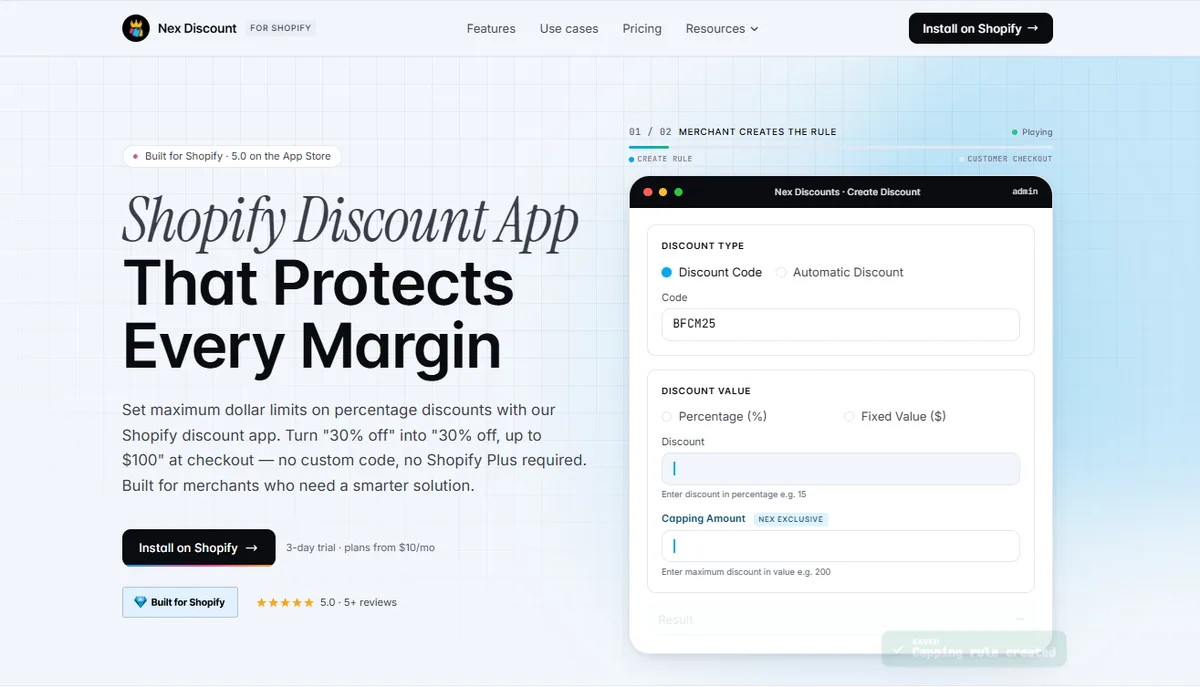
While looking for the best Shopify discount code app, it is crucial to choose a solution that balances powerful features with ease of use.
Nex Discount is designed specifically for Shopify merchants who want to create, manage, and scale any discount campaign more efficiently. Merchants no longer solely depend on the default discount settings that Shopify offers. They can choose Nex Discount, the best Shopify discount code app, which extends the flexibility.
Some of the standout features of Nex Discount are:
- Bulk discount code generation
- User-friendly interface
- Fast setup within Shopify
- Advanced discount rules
- Easy campaign management
- Flexible promotion settings
Conclusion
Creating discount codes in Shopify is simple, but choosing the right strategy can have a critical impact on sales and customer experience. Merchants who look for advanced discount rules ought to use tools beyond the native built-in features of Shopify. That’s where solutions like Nex Discount become relevant. Always remember to choose the right approach and tools based on your business goals.
FAQs
What is the difference between a discount code and an automatic discount in Shopify?
A discount code requires the customer to enter a coupon code during checkout. Only then can they receive the order. An automatic discount is applied automatically when the customer meets the conditions set for the offer.
Can I use multiple discounts on one order?
Yes, Shopify does allow merchants to combine discounts. The discount combination can be enabled for this.
Can I limit how many times a discount code can be used?
Yes, you can set usage limits for discount codes. A limit can be placed on the total number of times a code can be redeemed, a start and end date can be set for promotions, and codes can be restricted to one use per customer.
Which is the best discount code app in Shopify?
The best Shopify discount code app depends on the requirements of your store. Nex Discount is a Shopify discount app that has a wide variety of discount features suitable for any business.