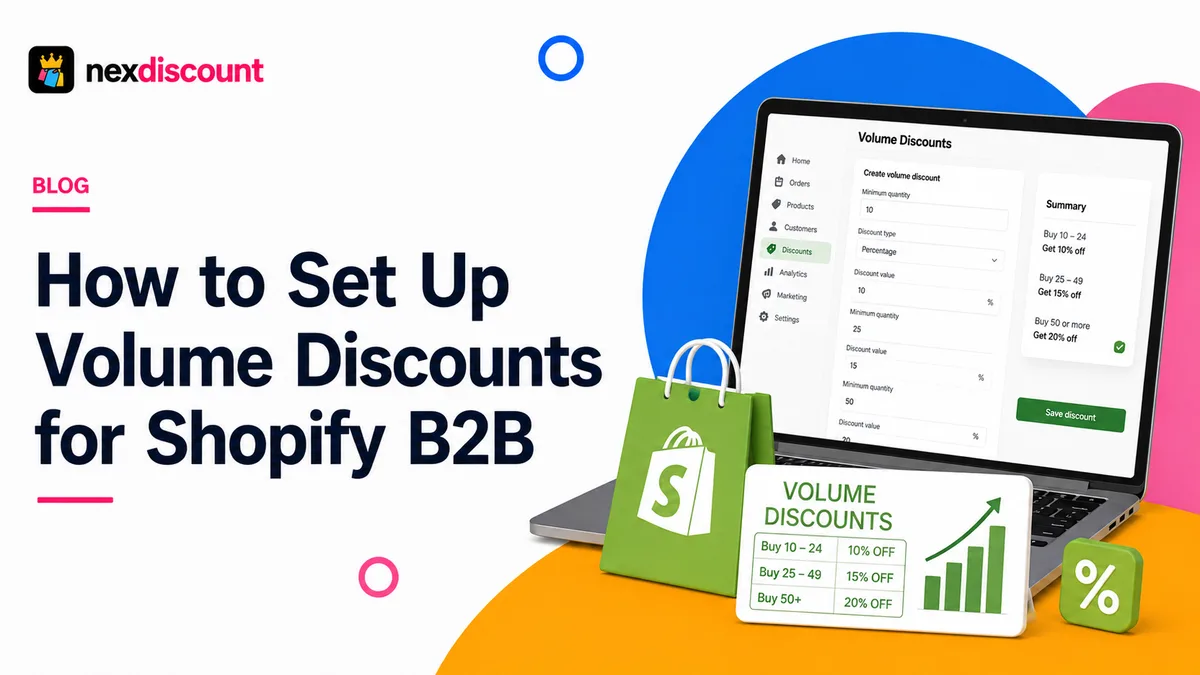
Volume discounts are a practical Shopify strategy that pushes customers to buy more without relying on constant promotions. A quantity break offer, if launched successfully, can increase the order size. A Shopify discount app helps merchants build flexible discount rules, as the native Shopify options cannot do that.
As of April 2026, the B2B capabilities of Shopify have increased significantly, including quantity rules and volume discounts. Shopify says that merchants who use the B2B features can see up to a 4.1x increase in reorder frequency compared with DTC orders.
Here is a guide on what volume discounts are, how to set up volume discounts on Shopify in 5 steps, and everything else you need to know about this.
What are volume discounts on Shopify?
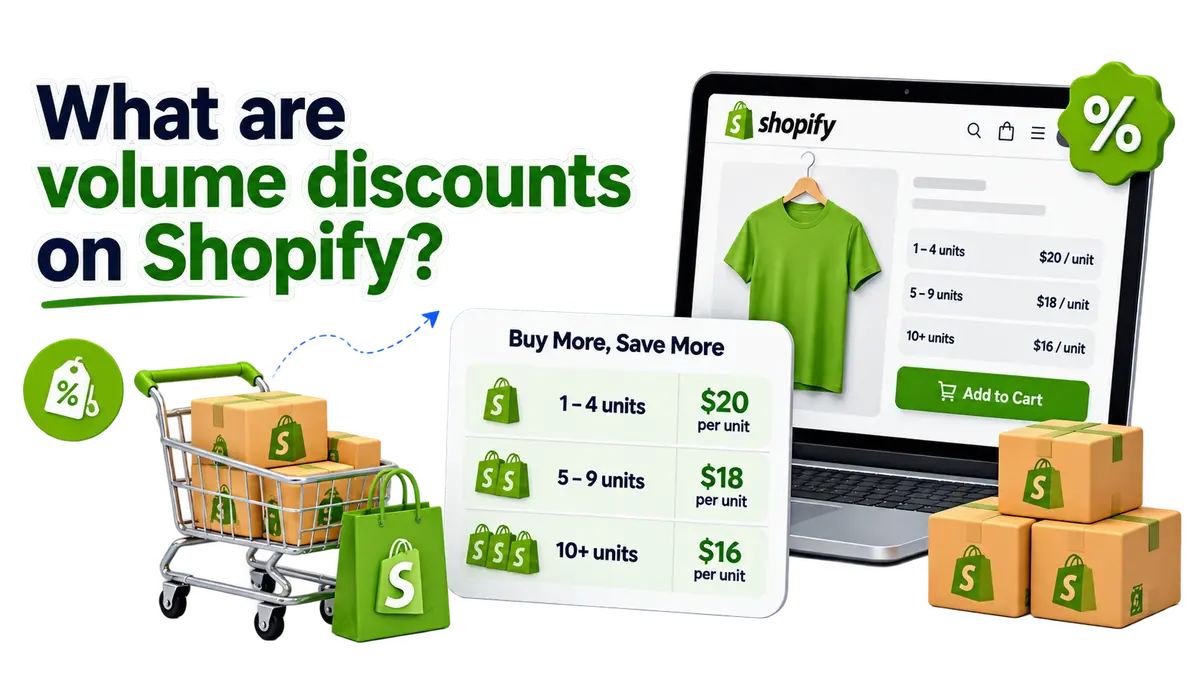
So, what are volume discounts on Shopify? They are the pricing incentives that reduce the effective price per unit. When a customer purchases a larger quantity of the same product, they pay less for each product.
For example, merchants can offer volume discounts like:
- 1 - 4 units: $20 per unit
- 5 - 9 units: $18 per unit
- 10+ units: $16 per unit
This is commonly called a quantity break, as the more the quantity, the less it costs per unit. It is also referred to as a bulk discount or volume pricing.
Currently, there are B2B tools on Shopify that support volume pricing. With them, merchants can create price breaks for customers who buy huge quantities of products. Shopify allows up to 10 volume price breaks per product in its B2B catalog tools. Each break can be applied to the relevant variant only.
If you are still thinking “what are volume discounts on Shopify?”, then let us explain it in the simplest terms. As a merchant, you are encouraging customers to buy more by offering them discounts for buying more.
For merchants who sell consumables, apparel, packaging, and wholesale products, this is more useful than having to offer the same percentage discount on every order.
Volume discounts vs tiered pricing: what is the difference?
The best way to distinguish them is that volume discounts are triggered by quantity, while tiered pricing is determined by who the customer is.
Let us look at an example:
- Volume discount: Any eligible customer gets 10% off when they buy 10 units.
- Customer tier: A gold customer receives special prices. It does not matter whether they buy 2 units or 25 units.
- Combined model: A wholesale customer can start with a special price and receive extra quantity-based reductions.
| Pricing Method | Trigger | Example | Best For |
|---|---|---|---|
| Volume discount | Quantity purchased | 10+ units = 15% off | Encouraging larger orders |
| Customer tier pricing | Customer or account group | Gold buyers get wholesale prices | Recurring wholesale accounts |
| Discount code | Code entered or applied | SAVE20 = 20% off | Campaigns and promotions |
| Volume pricing + customer tier | Customer + quantity | Wholesale buyers get deeper breaks at 50+ units | More complex B2B pricing |
A volume discount rewards the size of an individual order. Customer tier pricing can reward the long-term relationship or the status of the buyer. This is the best way to explain volume discounts vs tiered pricing and what the difference is.
When should you use quantity breaks?
Volume discounts are especially useful when:
- Customers naturally buy products in multiples
- Wholesale buyers purchase by carton or case
- You want to increase average order value
- Your products are replenished regularly
- There is enough margin to reduce the unit price at higher quantities
Why offer volume discounts to wholesale and B2B buyers?
Wholesale purchasing is naturally driven by quantity. Retailers, resellers, or distributors always need hundreds of units. Therefore, pricing that rewards larger orders is easier to understand. Let us take a look at some of the reasons to consider volume pricing:
Encourage larger orders
If there is a clear price break, then buyers actually have a reason to move higher on the quantity. For example, if five units cost $100 but 10 units cost $170, then the customer can see the benefit of reaching the next threshold.
Make wholesale pricing easier to understand
Clearly displaying quantity breaks can reduce the need for manual price discussions.
Increase order value without blanket discounts
Do not give every customer the same discount. Reserve the deepest discount for customers who actually purchase enough units.
Improve operational efficiency
When there are larger orders, individual transactions are fewer in number. When purchases are consolidated, account management becomes efficient.
This is the reason why merchants offer volume discounts to wholesale and B2B buyers. Merchants have more control over how much margin they give away.
How to set up volume discounts on Shopify in 5 steps?
You can easily set up volume discounts on Shopify in 5 steps. The exact setup depends on whether you are using the native B2B volume pricing of Shopify, a third-party Shopify discount app, or some other kind of discount solution.
Step 1: Choose products and quantity breaks
Choose the products on which you want to offer volume pricing. Analyze sales data to identify the most purchased quantities. A simple structure that you can use is:
- 1 - 4 units: Regular price
- 5 - 9 units: 10% off
- 10 - 24 units: 15% off
- 25+ units: 20% off
Three or four clear breaks are easier to understand. Avoid creating too many tiers. Check gross margin at every tier.
Step 2: Decide who should receive the volume discount
Is the offer for everyone, or only for specific buyers? Merchants can use tailored pricing for wholesale customers. Decide the following:
- Should every shopper see the quantity pricing?
- Is the offer only for wholesale customers?
- Is there a minimum order quantity?
- Should specific customer groups or companies qualify?
- Should the discount apply across variants?
- Should the discount apply separately to each variant?
Step 3: Set up volume pricing in Shopify
Now it is time to create the pricing rule. Shopify has native quantity rules and volume pricing for B2B catalogs that qualify. The current B2B setup of Shopify lets merchants add quantity price breaks to products. Merchants can also define the price associated with each break.
NexDiscount is a modern tool that provides advanced discount controls. There are also product targeting, quantity-based triggers, automatic discounts, and code-based discounts. If your promotion requires conditions beyond the native B2B price break, then this is the most useful.
Step 4: Make savings easy to understand for customers
Customers need to clearly understand the discount for it to work. It is always recommended to show the quantity threshold and the resulting savings.
For example:
- Buy 5+ = Save 10%
- Buy 10+ = Save 15%
- Buy 25+ = Save 20%
Highlight the tier that you want most customers to reach.
Step 5: Test quantity breaks before publishing
Every quantity break has to be tested before publishing. Check the following:
- The correct discount appears
- The correct unit price appears
- The correct products and variants qualify
- Cart and checkout totals match
- Customer eligibility works as intended
- The discount does not trigger below the minimum quantity
- The highest tier does not reduce margin below the acceptable level
- Other active discounts behave correctly
That is how to set up volume discounts on Shopify in 5 steps.
Common volume discount mistakes to avoid
Here are some of the common volume discount mistakes to avoid. Everyone makes them. You can avoid making them to improve sales.
- Do not make the discount too large
- Do not create confusing thresholds
- Creating too many tiers
- Offering the same discount to all customers
- Forgetting to test discount combinations
- Measuring only discount usage
Instead of measuring only discount usage, track other metrics such as:
- Average order value
- Revenue per customer
- Average items per order
- Repeat purchase rate
- Gross margin after discounts
- Volume-discount redemption rate
Conclusion
Volume discounts can help Shopify merchants encourage larger orders while providing better value for customers. Choosing profitable quantity breaks, making savings clear, and testing every discount before launching is what needs to be done.
For merchants who need more flexibility with their discount rules, NexDiscount can simplify the process. With the right strategy and tools, volume discounts can become a practical part of your Shopify pricing strategy.
FAQ
What is a volume discount?
A volume discount is a price reduction when a specific quantity of a product is bought. Customers pay a lower effective unit price when their order quantity increases.
How do you calculate a volume discount?
Start with a regular unit price, then apply the discount percentage for each quantity tier. For example, a $20 product with a 15% volume discount costs $17 per unit. That means 10 units cost $170 before taxes.
Can you set volume discounts on Shopify without Shopify Plus?
Yes. Shopify has expanded the native B2B features, which include volume discounts and quantity rules. Shopify Plus is not required for eligible B2B volume pricing.
Do volume discounts stack with discount codes?
They can be stacked. However, the results depend on how the discounts and combination rules are configured. Shopify allows merchants to control the discount combinations, so make sure you test the volume discount before it is launched.